Keep what matters
Contacts and files have a place in Dretsa too, with the permissions you choose.
Your everyday life, your way
Your calendar, tasks and Jarvis. Together in Dretsa, with room for everything that matters.
Designed for iPhone · iOS 26 or later · Beta on request
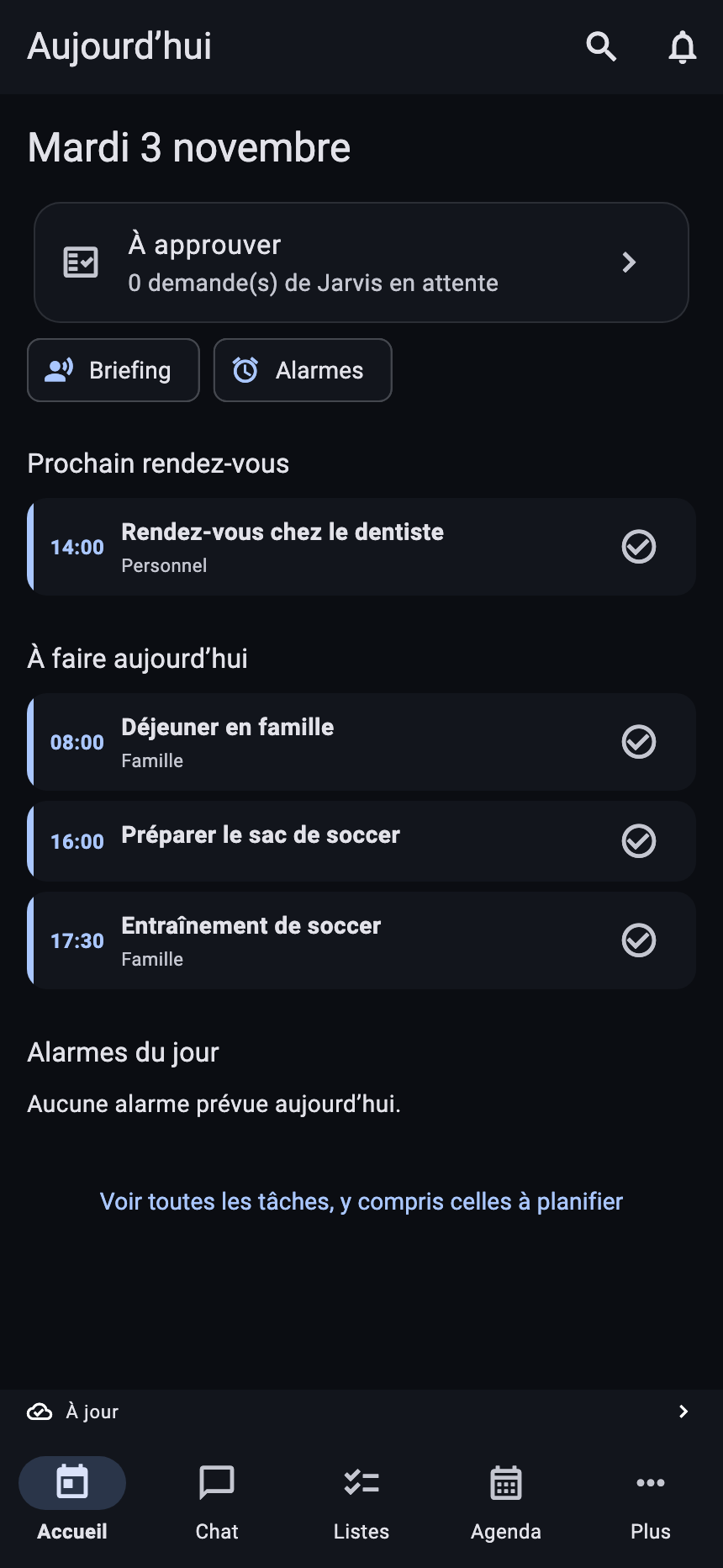
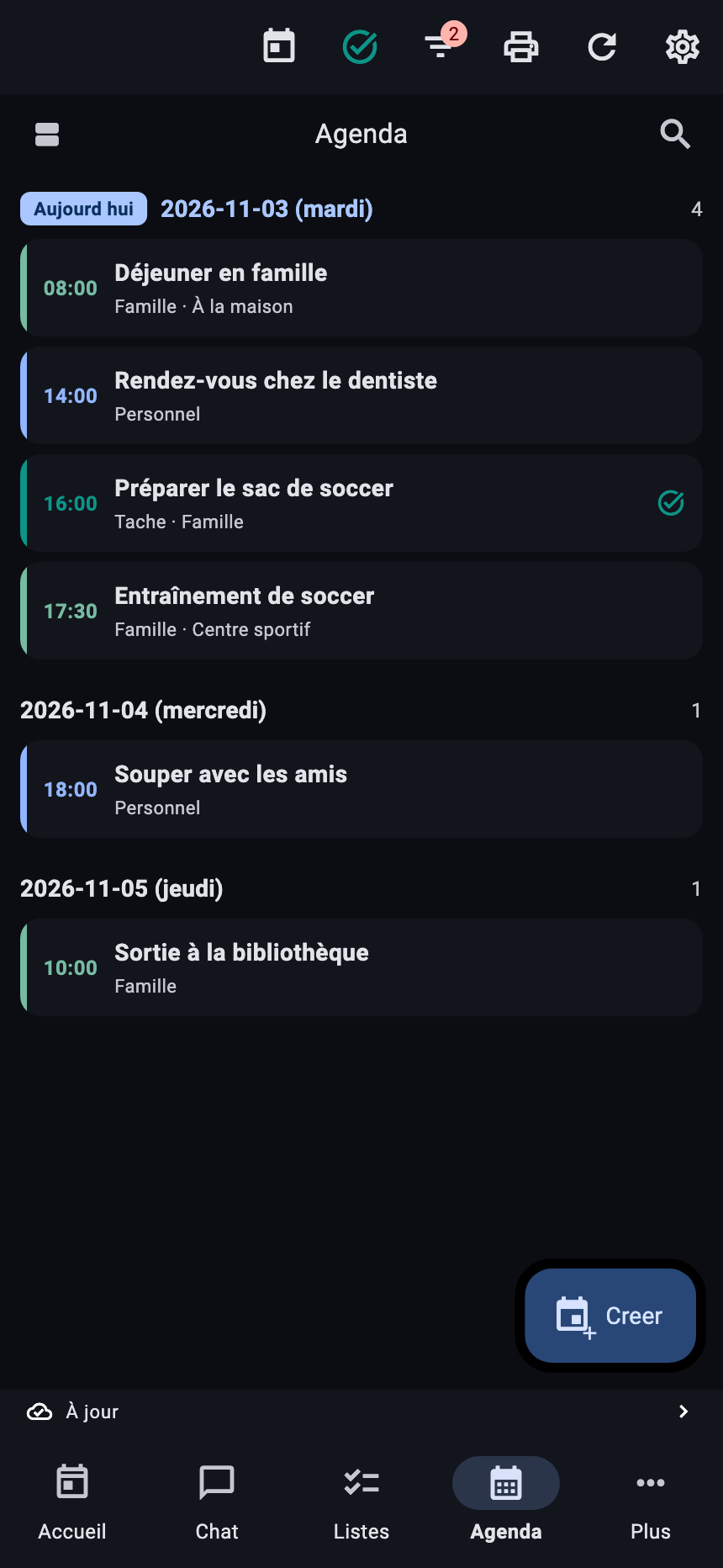
Actual interface · demonstration data
01 / In your pocket
From your first appointment to the last thing to check off. Follow your day without jumping between apps.
Appointments, things to do and requests awaiting approval come together on your home screen.
Pick your view: day, week or list. Your calendars keep their colours and your days stay easy to browse.
Write down what you don’t want to forget. Schedule it when the time is right, then check it off when you’re finished.
Ask a question, attach a document or prepare an action with Jarvis. The assistant depends on your chosen mode and provider.
Contacts and files have a place in Dretsa too, with the permissions you choose.
Find your schedule on Apple Watch and useful information in widgets and Live Activities, depending on your setup.
Use the regular screens without AI. Then choose the integrations that are useful to you.
02 / Your choice
Start on your phone. Connect your own server if you need one. Dretsa fits your setup.
Local-mode data stays in the app. Apple integrations use the permissions you grant.
Explore the beta ↗Connect Dretsa to your installation. A setup assistant prepares the address and QR connection card for your iPhone.
See the server package ↗A free invitation-only pilot is being prepared, with a separate space per household and operator-managed maintenance.
Ask about the pilot ↗03 / Your installation
The Dretsa package brings together the server, data store, connection assistant and backup tools. Set up your space on a machine you manage.
The distributed profile covers calendar, tasks, contacts and files. It does not include every Jarvis, email and notification feature of the personal server.
Technical preview: a source package for testing, not a ready-to-run installer. Docker, a prepared image and its dependencies, plus an HTTPS certificate are required. Full Windows/Linux qualification is still pending.
Download the server packageUseful answers
The app is in private beta. “Request beta access” opens an email to discuss access. Invitations are not automatic; a public App Store release is not announced here.
No. You can choose phone mode. A personal server is an option for people who want to manage their own installation.
No. Standard features work without AI. Choose local AI on a compatible device or connect a provider with your own key. Data sent to that provider depends on your requests.
The current package exposes account, calendar, tasks, contacts, files, search and history features. The personal server’s AI, email, notification and automation services are not included in this portable profile. The guide explains the limitations and prerequisites.
The included guide suggests Tailscale to connect your devices. An HTTPS certificate trusted by your iPhone is still required. Your server must be running and reachable.
Yes. They are rendered from Dretsa’s current Flutter screens. Appointments, tasks and messages are demonstration data. The Jarvis conversation is illustrative, not a live model response.
The next step fits in your pocket
Explore Dretsa and tell us how you would like to use it.
Request beta access ↗